OrbitPi DocAI
AI document OCRInvoices, bank statements and forms into clean, checked data.
- Upload, email and watched-folder intake
- Format, arithmetic and line-item checks
- Excel, CSV, S3, SFTP and webhook output
OrbitPi Leads · Lead management
Leads captures each enquiry with its source, assigns it by rule, reminds reps when follow-ups are due and warns you before a response-time target is missed, so your team can identify enquiries that need attention.
What OrbitPi Leads does today, feature by feature.
A hosted web form records UTM tags, Google and Meta click IDs, referrer and landing page, blocks spam and removes duplicates. Walk-ins and imports follow the same rules.
Leads are matched by phone number and email across every stage, so the same person is not chased twice.
Ordered rules assign leads by branch, channel and purpose. Round-robin skips reps who are on leave, off shift or at capacity.
Run several pipelines with their own stages, allowed moves and outcome reasons, starting from B2B or B2C templates.
Log each call in two quick steps, keep one timeline per lead, and get reminders when a follow-up is due or overdue.
Set first-response and stage targets, see warnings before a breach, and escalate leads that wait too long.
Send approved WhatsApp and email templates from the lead, with a do-not-contact check before every message.
Record consent per channel and purpose, keep a do-not-contact list, and track funnel, ageing, SLA and rep activity reports.
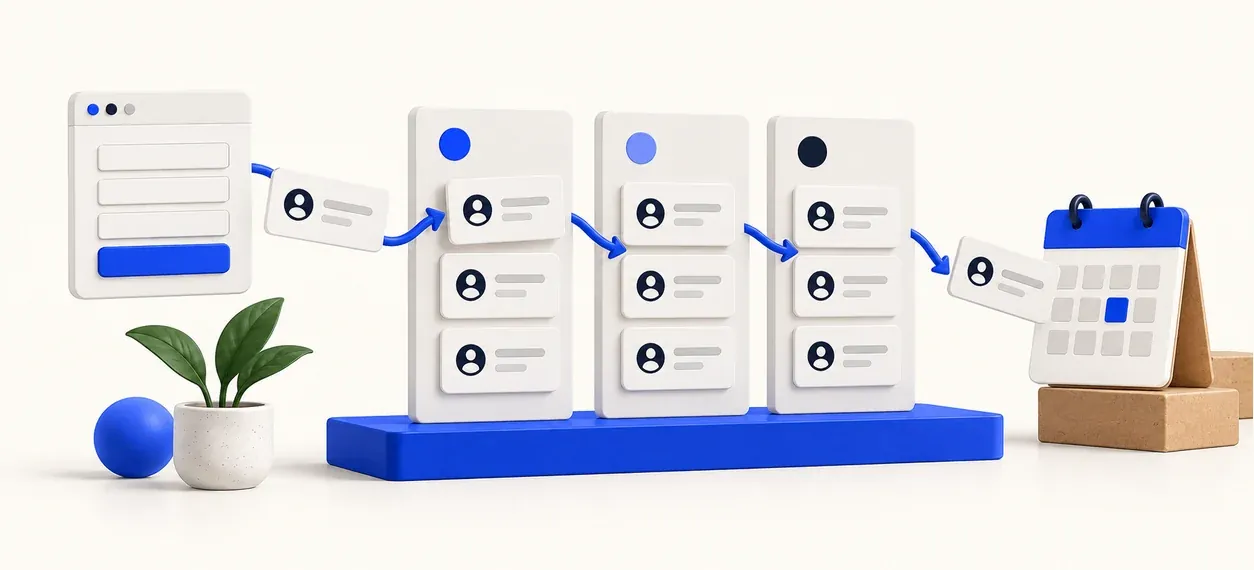
Enquiries arrive from your web form, walk-ins or imports, with their source.
Rules assign each lead to the right branch and rep.
Reps log calls, send WhatsApp or email and get reminders.
Reports show the funnel, ageing leads, SLA breaches and rep activity.
Know which campaign produced each website enquiry and who is following it up.
Send leads to the right branch and balance the load across reps.
Manage long follow-up cycles with pipelines, reminders and SLAs.
Relevant industries: Distribution, Retail & e-commerce, Real estate
Coming soon
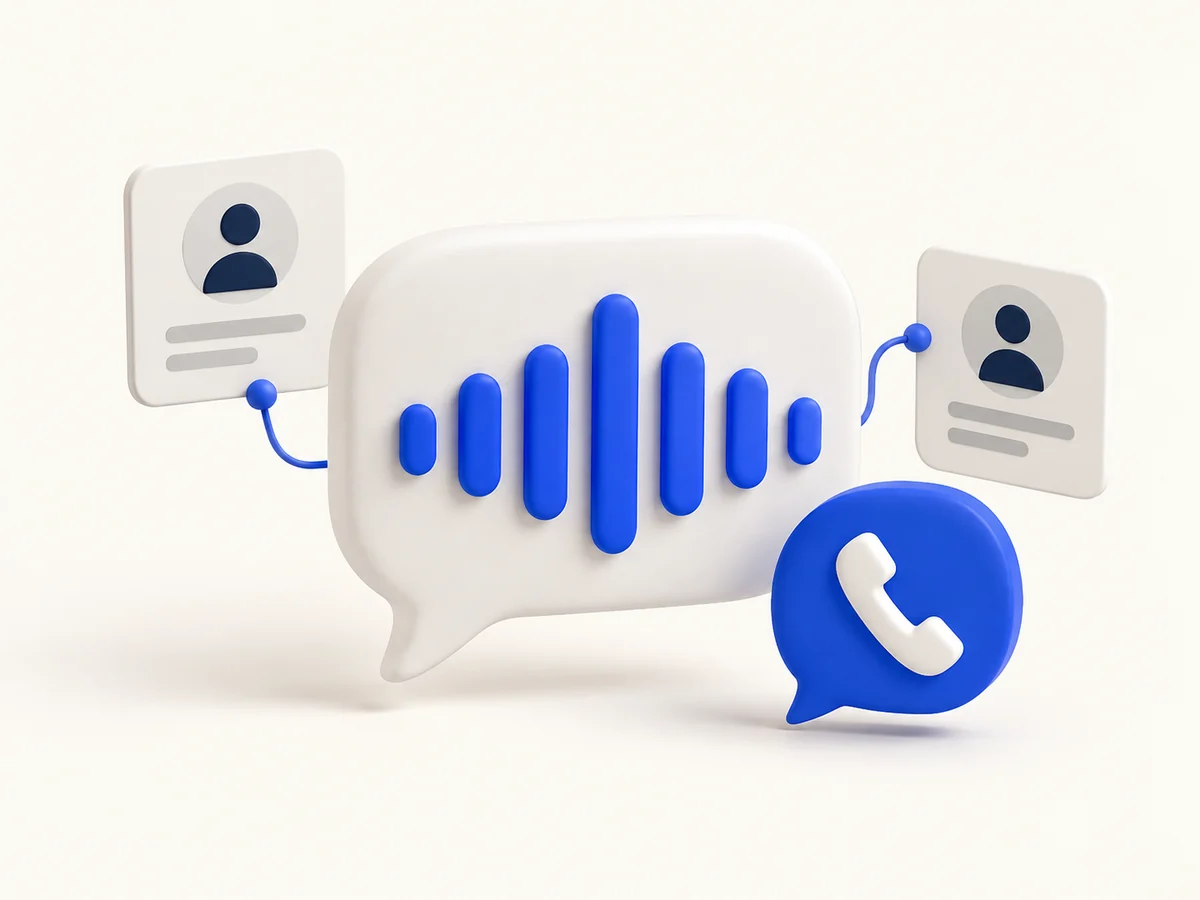
An AI voice agent is in development and is not available. This site does not describe its languages or script. The capture, routing and follow-up features on this page are separate from that agent.
Get data in and out with the tools you already use.
Approved message templates can be sent from the lead. This site does not name a WhatsApp provider.
Template emails sent from the lead, logged on its timeline.
Capture enquiries with campaign, click ID and landing-page details.
Import lead lists with validation first, and export any report.
Use a representative sample of your work to check fit, setup and outputs before choosing a product.
Bring sample web enquiries or a lead sheet with source and branch details. Check duplicates, routing rules, team pools and how an unassigned enquiry reaches the right sales rep.
Define your stages and response targets. Walk through a call note, next follow-up, overdue reminder and stage outcome, then check the funnel and activity reports your manager needs.
Review consent rules and approved WhatsApp or email templates with your provider setup. Current follow-ups are handled by your sales team; the AI voice agent is still in development.
Compare single-product and suite options on our software pricing page, or talk to the OrbitPi product team about your requirements.
Lead management software records every enquiry, assigns it to the right person, tracks each follow-up and reports on how leads move towards a sale.
Ordered routing rules assign leads by branch, channel and purpose. Round-robin spreads leads across reps and skips anyone on leave, off shift or at capacity, and unassigned leads can wait in shared pools.
Yes. The web capture form records UTM tags, Google and Meta click IDs, the referrer and the landing page with each lead.
Yes. SLA policies set first-response and stage targets, warn before a breach and record every breach for reporting.
Yes. Reps can send approved WhatsApp and email templates from the lead, and Leads checks the do-not-contact list before every message. SMS is not supported.
Not yet. An AI voice agent is in development and is not available. This site does not describe its languages. Capture, routing and follow-up do not depend on it.
Yes. A do-not-contact list with a mandatory reason blocks further messages, consent is recorded per channel and purpose, and retention policies and data requests are managed in the product.
Invoices, bank statements and forms into clean, checked data.
Bins, batches, expiry and valuation in one live record.
Tag, assign, maintain and verify every asset.
Bring a sample invoice, stock sheet or lead list. We’ll run it live in a 30-minute demo.
Book a demo